

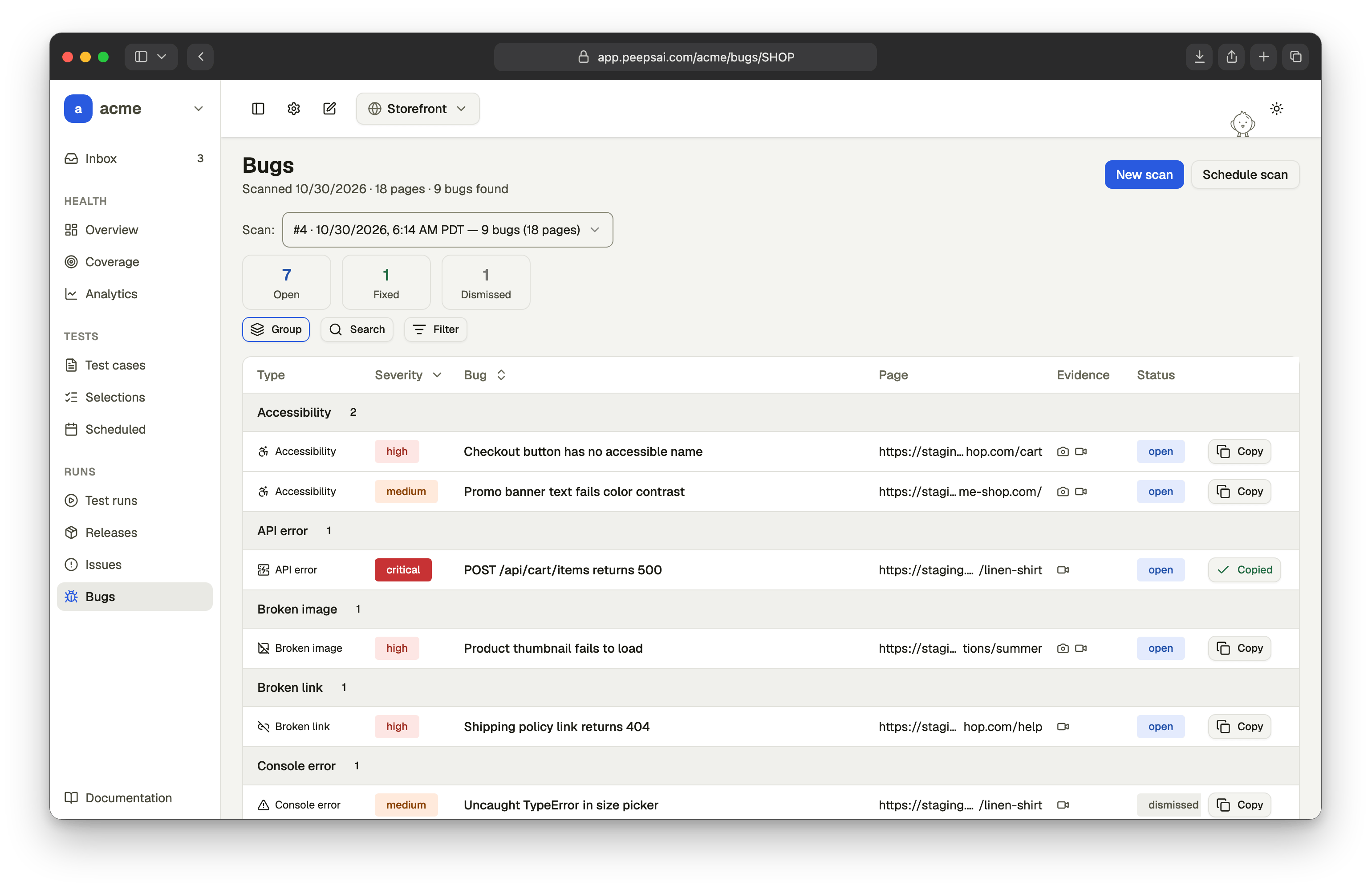
What a scan checks
On every page it visits, the agent takes a snapshot of the page text, a screenshot, the browser console, and the network requests. It also runs an automated accessibility audit. From those it reports nine kinds of bug:
The agent explores breadth-first and doesn’t revisit pages it has already checked. It reports real bugs only, not suggestions or style preferences.
The accessibility audit uses axe-core, which the agent loads into each page from
cdnjs.cloudflare.com. If your app’s Content Security Policy blocks that domain, the scan can’t run the audit and won’t report accessibility bugs.Severity
Each bug gets one of four severities:How long a scan takes
Most scans finish in a few minutes. A scan stops after 15 minutes at most. As it nears the limit, the agent stops exploring and writes up what it has found so far, so you still get a report. Only one scan can run in a project at a time. To start another, wait for the current one to finish or cancel it.Who can use it
Bug scan works on web projects. If you don’t see Bugs in the sidebar, Bug scan isn’t turned on for your organization yet. Get in touch to request access.
Next steps
Run a scan
Choose the URL, scope, and sign-in, then follow the scan live.
Review bugs
Read the evidence, triage each bug, and hand it to your coding agent.
Schedule scans
Scan automatically every day or week, and get notified when it’s done.