Results sent with your release name file themselves in that release. Use Add runs for batches, manual runs and single runs that ran in Peeps and aren’t in the release yet. Contributors and above can do this. Open the release report, open Runs near the foot of the page, and select Add runs.
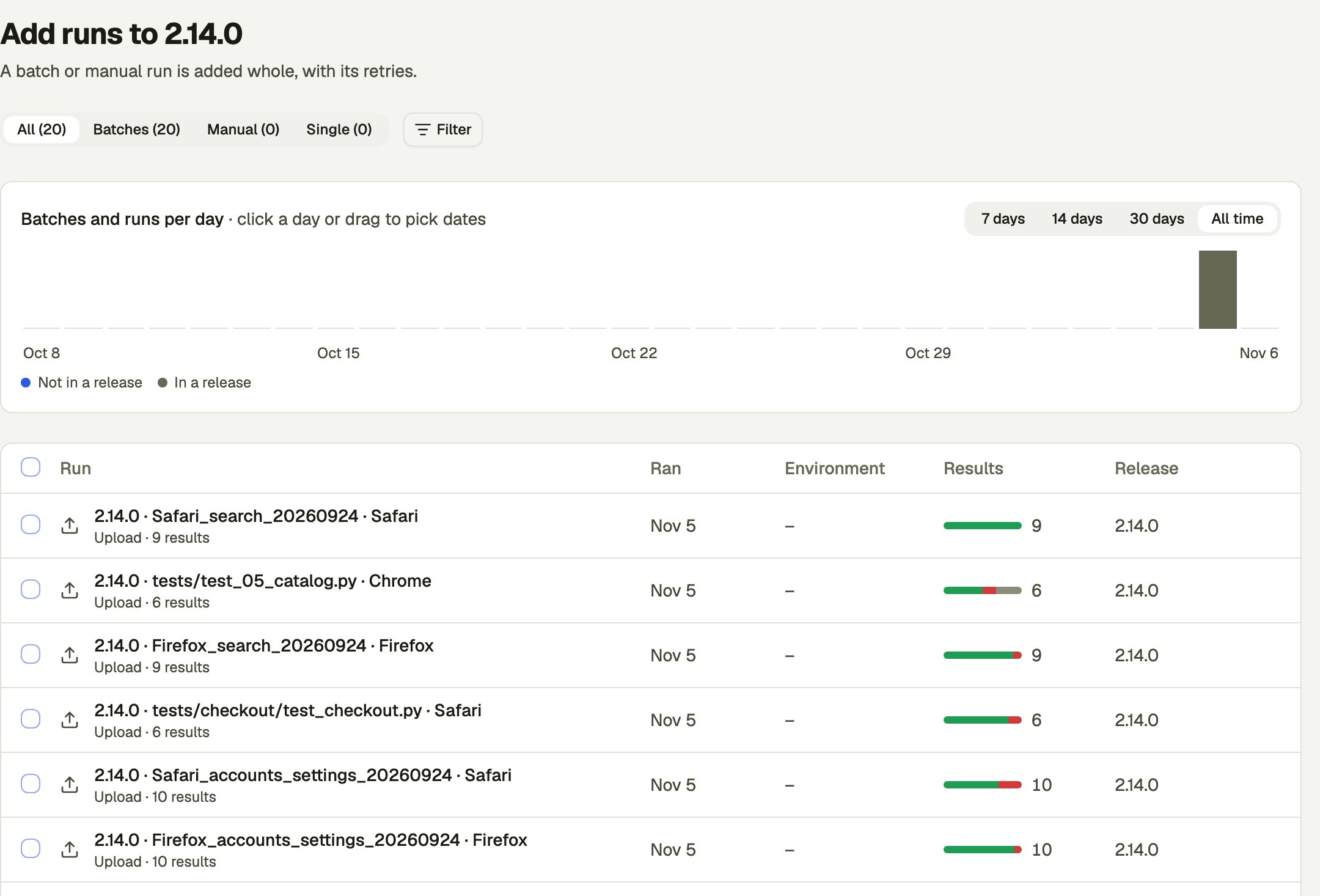
The Add runs to 2.14.0 page: tabs for All, Batches, Manual and Single, a Filter button, a chart of batches and runs per day with 7 days, 14 days, 30 days and All time, and a table of runs with their Ran date, Environment, Results and Release.

Pick runs

The page starts on runs in no release.
  • The tabs split the list into Batches, Manual and Single.
  • Filter narrows the list, for example by when it ran or which release it’s in.
  • The chart counts batches and runs per day. Select a day or drag across days to pick dates.
Tick the runs you want. The box in the table’s heading ticks this page’s runs that are in no release, and you can then select all that match the filters. You can add up to 200 at a time. A batch or a manual run is added whole, with its retries. Some rows can’t be ticked:

Add or move

A bar shows how the release would read after the add. Select Add to add them at once. You go back to the release, and a message offers Undo. A run in another release reads Moves from that release when you tick it, and the button says how many it adds and moves, such as Add 5 · Move 2. The bar also says what the other release would lose. Moves only happen for rows you tick by hand, never from select all.

Take runs out

In the report’s Runs section, Contributors and above can tick runs and select Remove. A message offers Undo. Uploads stay in the release they were synced with.